The Problem: Too Many Hours, Too Little Time
You have 10 hours of recorded lectures and an exam in 3 days. You know the material is in there — but where?
Rewatching entire lectures is impossibly slow. You'd need 10+ hours just to review, with no guarantee you'll catch the specific concepts you need.
Transcripts turn videos into walls of text that are hard to navigate and missing crucial context from what's shown on screen (diagrams, equations, demonstrations).
The student's dilemma: You either spend hours rewatching, or you gamble on incomplete notes and hope for the best.
The Solution: Ask Your Lectures Questions
What if you could ask your recorded lectures questions and get direct answers?
"Explain the difference between TCP and UDP" — and get a clear explanation pointing to the exact timestamp where your professor covered it.
Ask Your Video turns lecture recordings into searchable knowledge. Study what you need, when you need it, without rewatching hours of content.
Real Example: Studying for Medical Exams

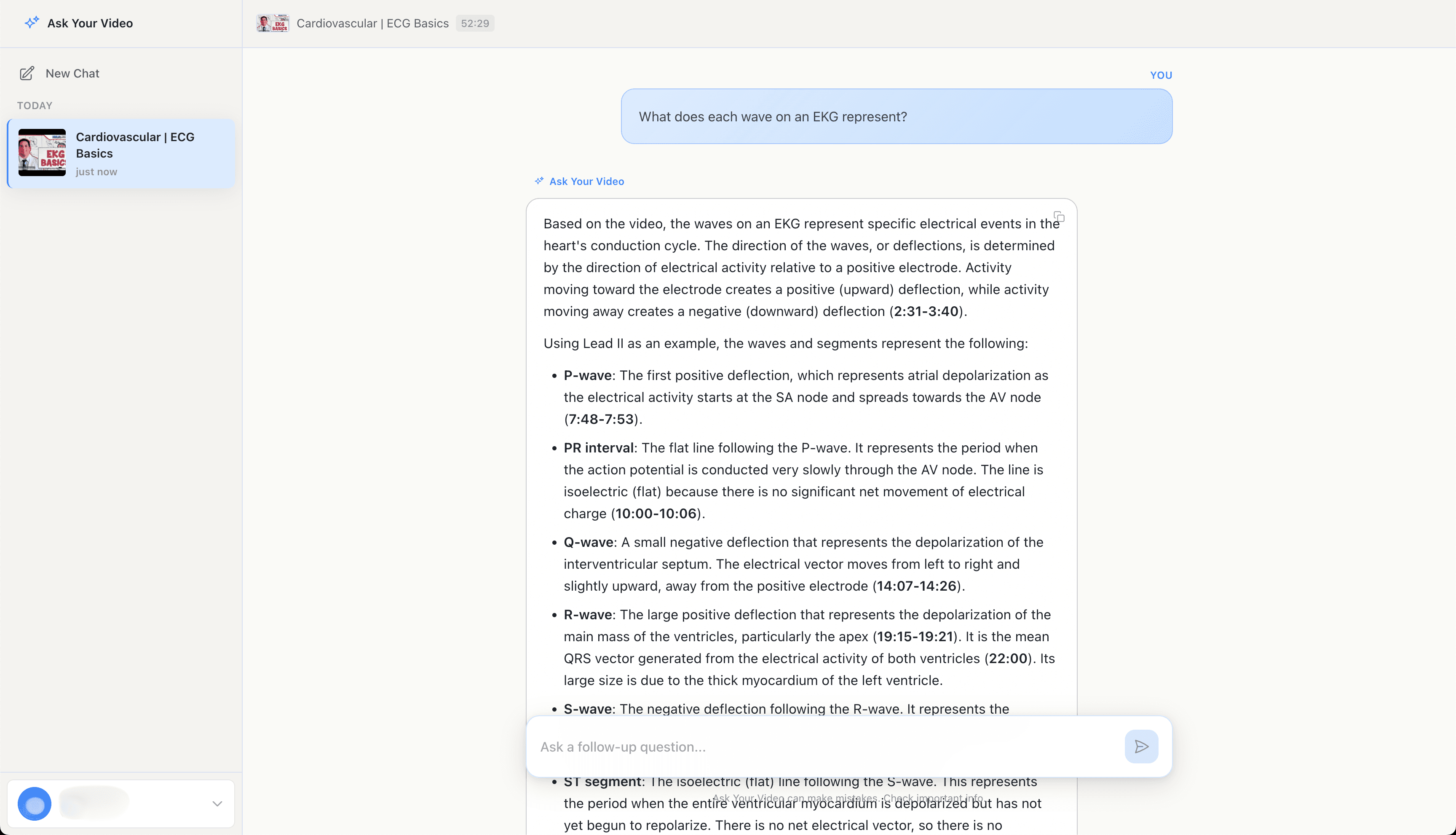
The AI explains each wave with timestamps: P-wave represents atrial depolarization (7:48), PR interval is the delay through the AV node (10:00), Q-wave is septal depolarization (14:07), R-wave is ventricular depolarization (19:15), and more.
Step-by-Step Guide
Paste your lecture URL
Works with any lecture on YouTube — Ninja Nerd, Khan Academy, Osmosis, university channels, or your professor's recordings.
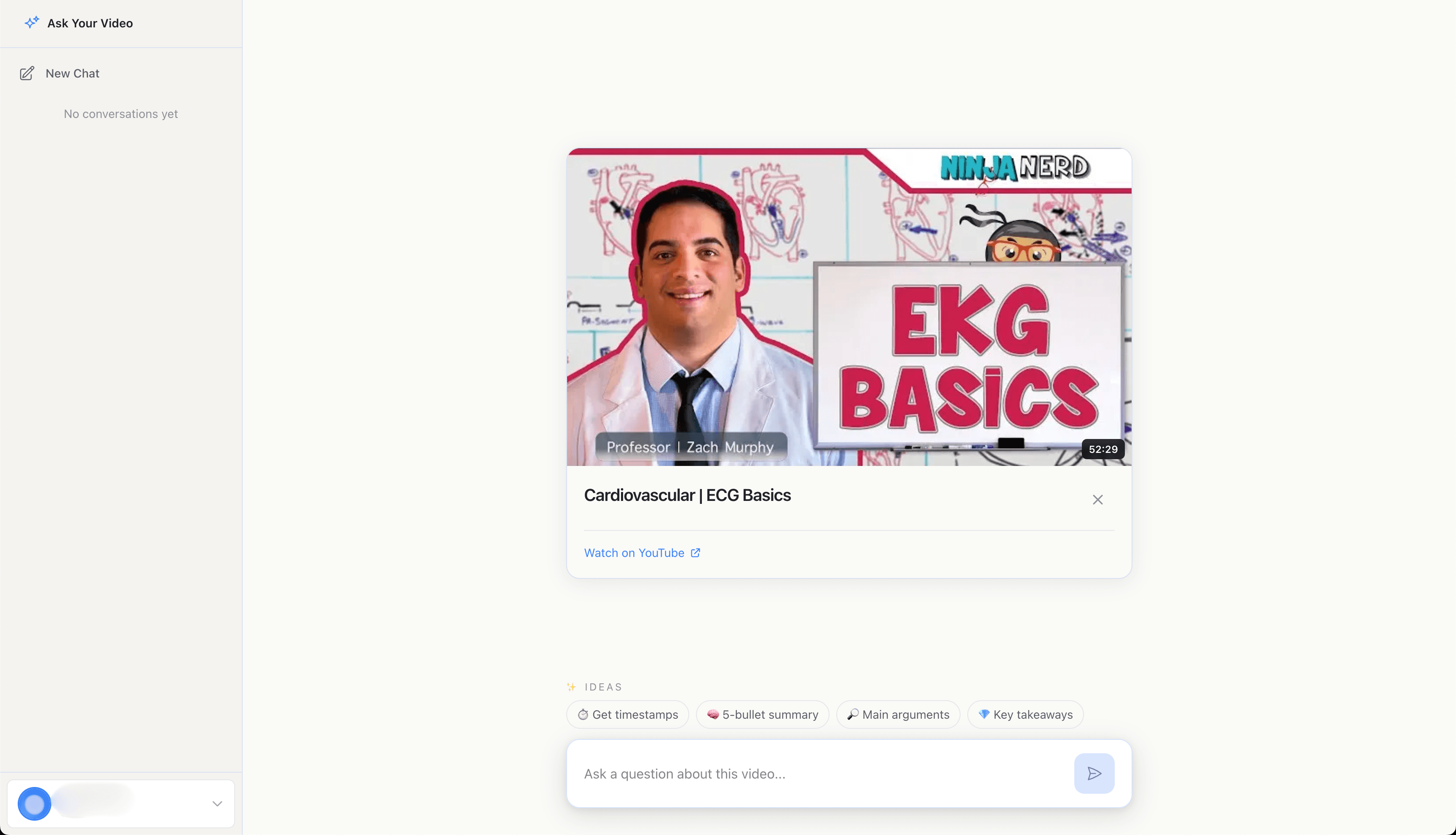
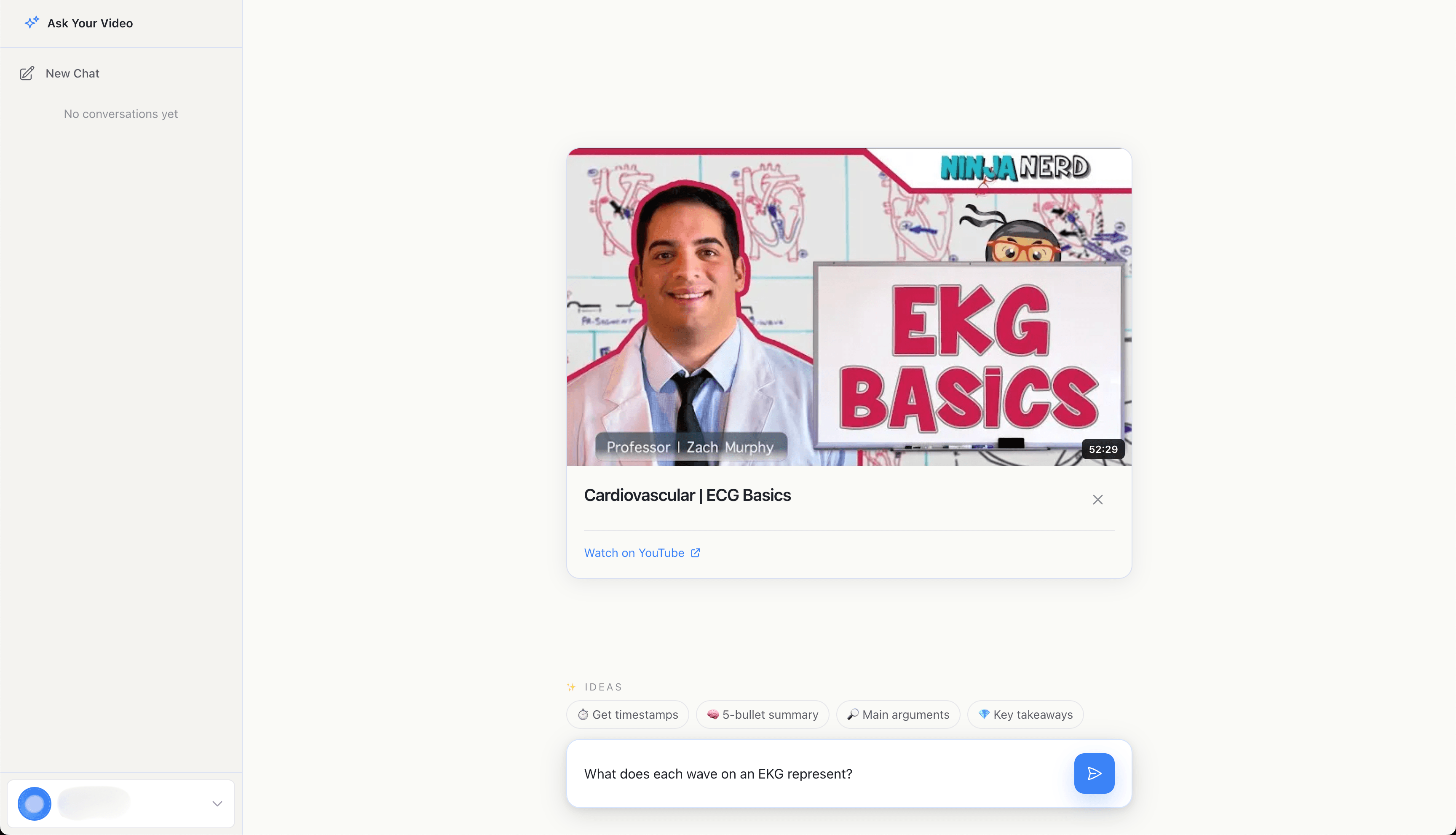
Ask about specific concepts
Ask conceptual questions like "What does each wave on an EKG represent?" or "How does this process work?" — just like asking a tutor.
Get explanations with timestamps
Receive clear explanations that point to exactly where in the lecture each concept was taught. Each topic includes specific timestamps.
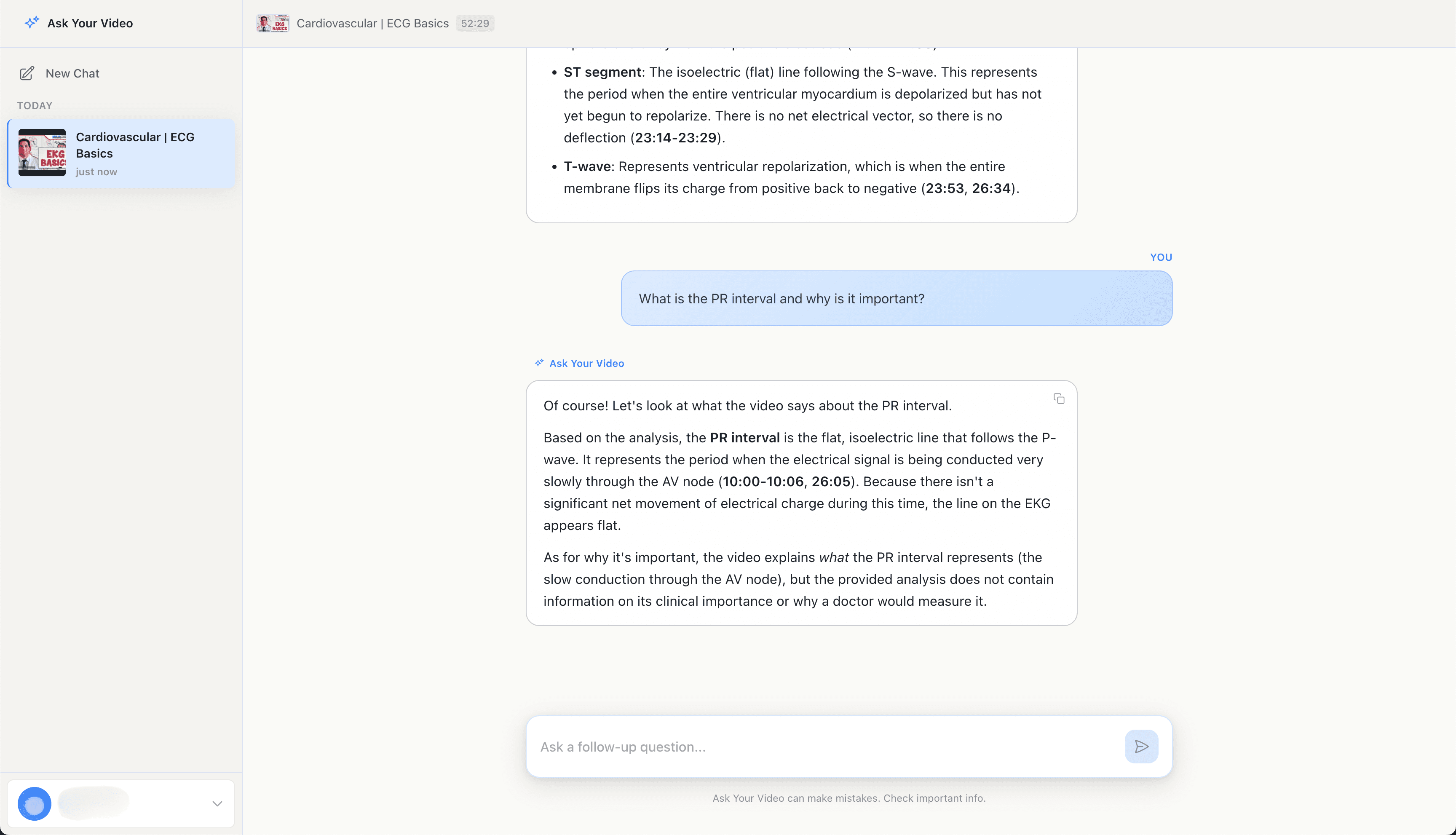
Keep asking questions
Dive deeper into specific concepts. Ask "What is the PR interval and why is it important?" to get more detailed explanations with timestamps.
Frequently Asked Questions
Yes, if your lecture recordings are on YouTube (even unlisted with a link). Many universities post to YouTube for accessibility. The video must be accessible via URL and under 3 hours long.
Yes. The AI handles technical content well, including math, science, engineering, medicine, and programming. It can interpret diagrams, equations shown on screen, and technical terminology.
Much better. Transcripts miss visual content (diagrams, equations, demonstrations) and lack context. Our AI sees everything — what's said and what's shown — giving you complete understanding with timestamps to verify.
Try with your lectures
Start searching inside any YouTube video. Get answers with exact timestamps in seconds.
Get Started FreeMore Guides
How to Find the Exact Timestamp in Any Podcast Episode
Stop scrubbing through hours of audio. Find exactly when any topic was mentioned in seconds.
How to Extract Quotes with Timestamps from YouTube Videos
Pull exact quotes from interviews with timestamps for verification. Perfect for journalists and researchers.